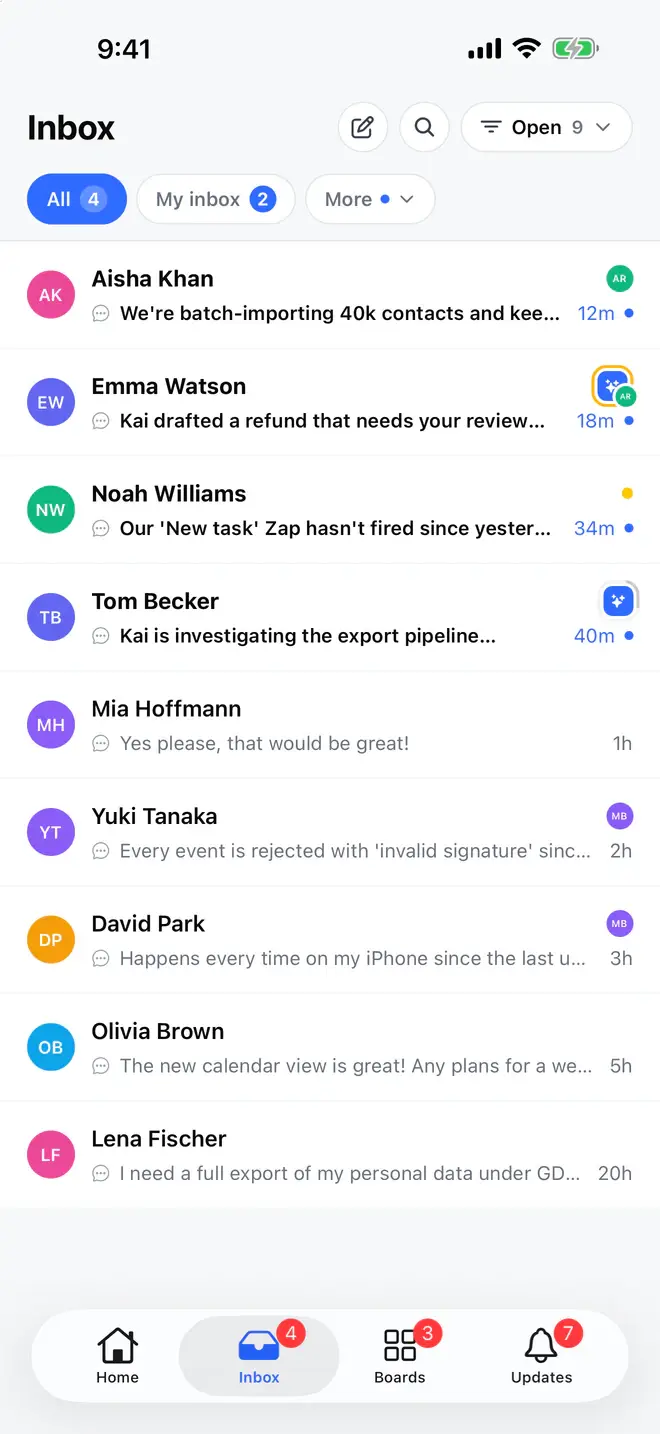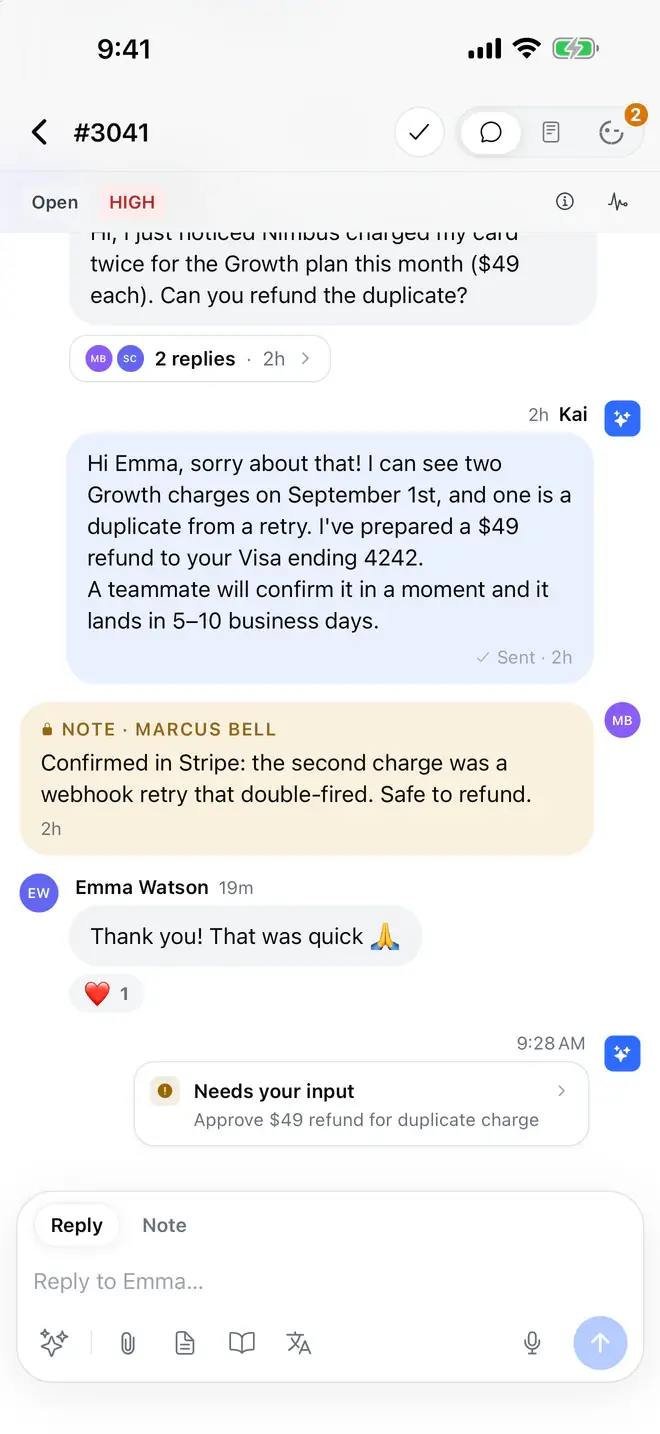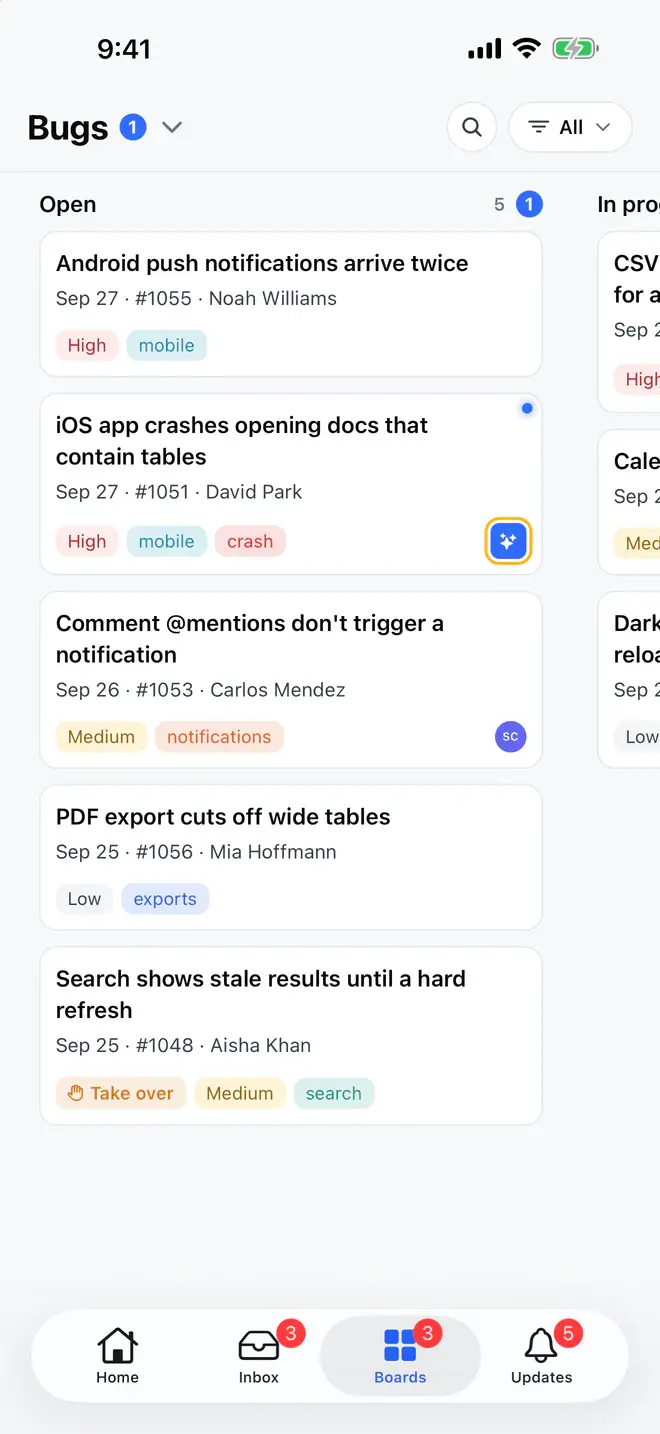


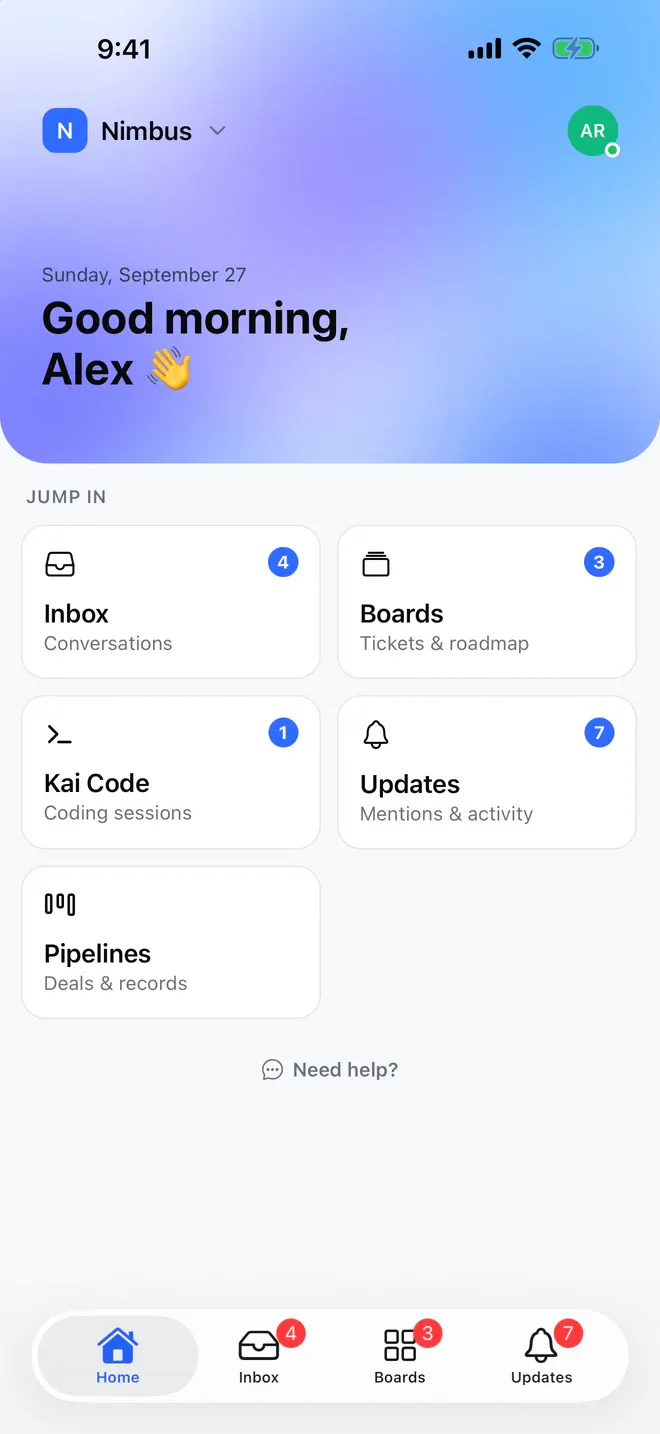
A mobile help desk app lets your team manage customer tickets from a phone. Gleap brings your existing workspace to iOS and Android. It brings the inbox, boards and pipelines, Kai's questions for the team, Kai Code sessions and the updates feed to your phone or tablet, with push notifications.
Read and reply to customer conversations, leave internal notes and threads, set type, assignee, team, status and priority, snooze tickets, work through boards and pipelines, answer Kai Resolve's questions, start and follow Kai Code sessions, review updates and mentions, and switch between workspaces.
Can I start a Kai Code session from my phone?
Yes. Open the ticket and choose Fix with Kai Code to open a prefilled session composer. Start the session and follow it from the app or the same ticket on the web. See how Kai Code works.
Does the app support push notifications?
Yes. Allow notifications when the app asks, and you will be told about new conversations, mentions, customer replies and Kai Code milestones while you are away from your desk. Change the permission later in iOS or Android system settings or in the app's notification settings.
Which devices are supported?
The app is available for iOS and Android. Check the App Store or Google Play listing for current device and operating-system requirements.
Can I use my existing Gleap account?
Yes. Sign in with the account you use on the web or desktop, then pick the workspace. Multiple workspaces switch without signing in again.
How do the mobile app, the desktop app and the web dashboard relate?
They are one workspace. Tickets, notes, assignments, Kai Code sessions and updates are the same everywhere. Use the phone for replies, triage and approvals on the go, and the web or desktop app for setup, analytics and longer work.
Is the mobile app the same as the Gleap mobile SDKs?
No. The mobile app is for your team. The mobile SDKs for iOS, Android, React Native, Flutter and Capacitor go into your product so your customers can chat and report bugs from it. See in-app bug reporting.
Is the mobile app included in my plan?
Sign in with your Gleap account to use your workspace from the mobile app. See pricing for plan details.