
The BugSnag alternative.

Turn reported bugs into fixes. Customers report issues inside your app with screenshots, replay and logs. Gleap connects that report to Kai support, investigation and a pull request your engineers review.

4.6/5 on G2
Trusted by 4,500+ teams worldwide
Trusted by 4,500+ teams, from startups to global businesses
app.lumenhq.com/checkout SPRING20 Checkout Something went wrong
13:24:30 Feedback received
13:24:03 cart.items undefined
13:24:02 500 POST /api/orders
13:23:54 pageView
13:23:50 Retrying (2/3)
13:23:43 sessionStarted
13:23:39 User logged in.
Survey notifications not showing
#146960
Today
Isabella Berger2:15 PM
Survey notifications never arrive for visitors who are not logged in. Chat notifications work fine.
  1. 2:16 PM
    Working · reading the console logs
  2. 2:21 PM
    Found a likely bug
    Survey pushes skip anonymous visitors: sendSurveyPush returns early without a contact email. Delivery only needs the session's subscription.
    Ask for changes Fix with Kai Code
Kai Resolve2:21 PM
Thanks for the details. The team will take a deeper look at this. You can follow the conversation here.
ReplyNoteAsk Kai Copilot
Hey Isabella,TAB
Send
Kai Code picked up this ticket GleapSDK/Desktop
  1. Planning · reading the ticket and src/drawer
  2. 10:44
    Plan proposed
    Listen for new notifications.
  3. 10:46
    Plan approved by Lukas
  4. Working · editing src/drawer/Notifications.tsx
  5. 11:07
  6. 14:03
  7. 14:05
    Customer notified reply sent to Rami
From the customer’s report to a fix your engineers review.
Compare workflows
Different starting points. BugSnag captures errors, crashes and performance data from your applications. Gleap starts with the customer: the reported issue, the conversation around it and the work that follows. Keep dedicated error monitoring where your reliability workflow depends on it.
Features
Gleap
BugSnag
Primary focus
Gleap
AI-native customer support, in-app bug reports and product feedback
BugSnag
Error, crash and performance monitoring for mobile, web and server apps
Where an issue starts
Gleap
A customer reports it inside your app, with the conversation attached
BugSnag
SDKs capture handled and unhandled exceptions automatically
Evidence
Gleap
Supported screenshots, replay, console and network logs, device and customer context
BugSnag
Stack traces, breadcrumbs, threads, device and user data, stability scores
AI and code work
Gleap
Kai Resolve investigates; Kai Code opens pull requests your engineers review
BugSnag
SmartBear MCP server brings error data into your IDE with fix suggestions
Customer communication
Gleap
Kai answers, shared inbox, help center and release updates
BugSnag
Team chat, on-call and two-way issue tracker integrations
Published pricing
USD, checked 15 September 2026. Different products and units; AI usage, add-ons and taxes excluded.
Gleap
Team: $149/month billed annually, $179 month-to-month; unlimited seats
BugSnag
Select: starting at $20/month from 50k events and 1M spans, calculator sets the tier; unlimited users; check current pricing
Wider scope
Gleap
Pro: $299/month annually or $359 monthly, with Resolve, Code and PM
BugSnag
Preferred: calculator tiers from 100k events and 1M spans with 60 days of retention; Enterprise by quote
Best evaluation case
Gleap
A customer report that needs an answer, an investigation and a reviewed fix
BugSnag
A production crash or performance regression your SDK reports on its own
Price the scope you need. Gleap Team starts at $149/month billed annually with unlimited seats and projects. Pro starts at $299/month and includes Resolve, Code and PM; AI usage is billed separately. BugSnag prices by monthly events and spans through a calculator, with Select starting at $20/month and Preferred at $33/month on the pricing page; its free tier covers one user and 7.5K events a month. The products cover different work, so check current pricing and compare the scope you need on each side.

Meet your AI team.

Answer customers. Investigate issues. Build what comes next. Kai is available on every plan; Resolve, Code and PM are included in Pro and Enterprise. AI usage is billed separately.

Kai

Answers customers

Answers from your knowledge base and connected sources. Brings your team in when needed.

Meet Kai

Kai Resolve

Investigates hard tickets

Reads session evidence, logs and code. Returns findings and creates coding tasks for confirmed bugs.

Meet Kai Resolve

Kai Code

Builds the fix

Plans the change, writes and tests code, and opens a pull request. Your engineers review and merge.


Meet Kai Code

Kai PM

Prioritizes requests

Triages feedback, finds duplicates and scores requests. You decide what belongs on the roadmap.

Meet Kai PM

Capture the report in context.

Evidence with the explanation.
Customers mark the issue where it happened. Supported screenshots, replay, console and network logs and device details arrive with their description.
Explore bug reporting
app.lumenhq.com/checkout SPRING20 Checkout Something went wrong
KaiOur bot will reply instantly
Kai
Hey 👋! I'm here to assist you. How can I help you?
a few seconds ago
How do I invite a teammate?
Kai
Thinking…
AIjust nowWas this helpful?
Can a teammate help me?
Kai
I'll bring in the team.
LukasLukas
Hi, I'm Lukas. Happy to help!
just now
Write a reply…

Answer while the fix takes shape.

Kai handles the first reply.
Kai answers from your knowledge base and brings a teammate in when needed. The customer gets a workaround or a status update without leaving your product.
Explore Kai

Investigate with the evidence.

Findings return to the ticket.
Kai Resolve reads the session, the logs and your code with read-only access. It returns findings to the ticket and starts a coding task for confirmed bugs.
Explore Kai Resolve
Isabella Berger2:15 PM
Survey notifications never arrive for visitors who are not logged in. Chat notifications work fine.
  1. 2:16 PM
    Working · reading the console logs
  2. 2:21 PM
    Found a likely bug
    Survey pushes skip anonymous visitors: sendSurveyPush returns early without a contact email. Delivery only needs the session's subscription.
    Ask for changes Fix with Kai Code
3 changed files +84 −12 PR #412
  • Notifications.tsx +61−9
  • useNotificationSocket.ts +19−3
  • Notifications.test.tsx +4−0
src/drawer/Notifications.tsx
  @@ -42,7 +42,15 @@ NotificationsDrawer  const { items } = useNotifications();− useEffect(() => { if (open) refetch(); });+ const socket = useNotificationSocket();+ useEffect(() => {+   if (!open) return;+   return socket.on('notification:new',+     (n) => setItems((p) => [n, ...p]));+ }, [open, socket]);  return <Drawer open={open}>

Open a pull request for review.

Your engineers decide what ships.
Kai Code plans the change, writes and tests code and opens a pull request linked to the ticket. Review, merge and verify the release before closing the loop.
Explore Kai Code

Tell customers what shipped.

Close the loop on the report.
Publish release notes and reply to the people who reported the bug. The conversation that started the work carries the answer back.
Explore release notes

Changelogs

Stay up to date with the latest changes and enhancements.

Subscribe to updates
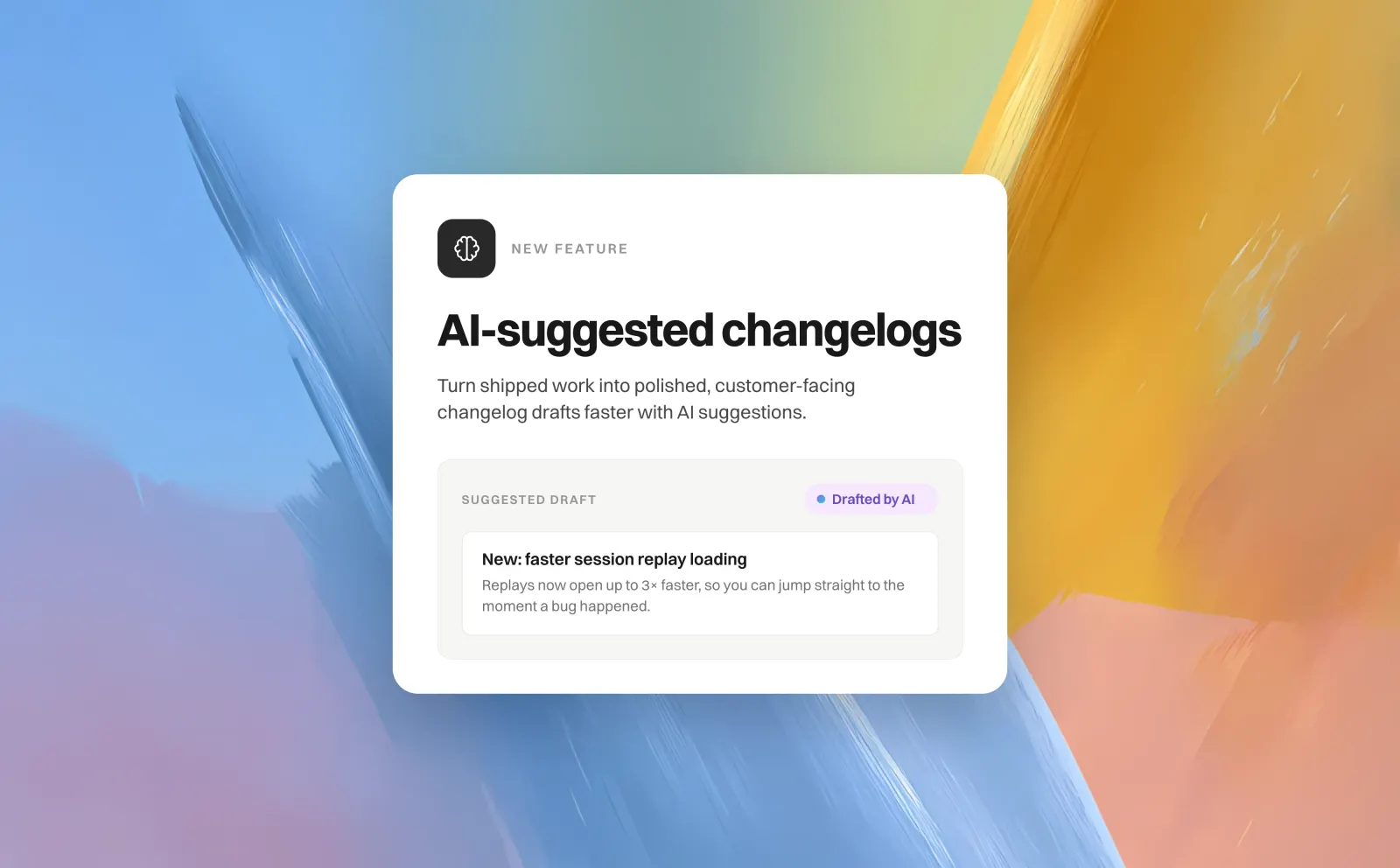
AI-suggested changelogs

AI-suggested changelogs

Start with a draft from your shipped work. Review, edit, and publish when you’re ready.

🔥   🎉   💯 Write a comment…

More control over your inbox

Schedule replies and keep conversations moving.

How teams use Gleap
“Everything is in the same place.”
Gleap has transformed how Tridonic manages customer experience by streamlining feedback, support, and automation.
Elif Kavas
DX, Tridonic
“Essential to our development process.”
Gleap was implemented within minutes and helps MARK.ONE fix bugs quickly while building real customer relationships.
Mark Breuß
Founder, MARK.ONE
“Super-fast turnaround on feature requests.”
Transaction Network Services highlights Gleap’s turnaround on new feature requests as part of reducing errors in the product.
Martin Hardman
Transaction Network Services
From the customer’s report to the fix.
4.6/5
on G2